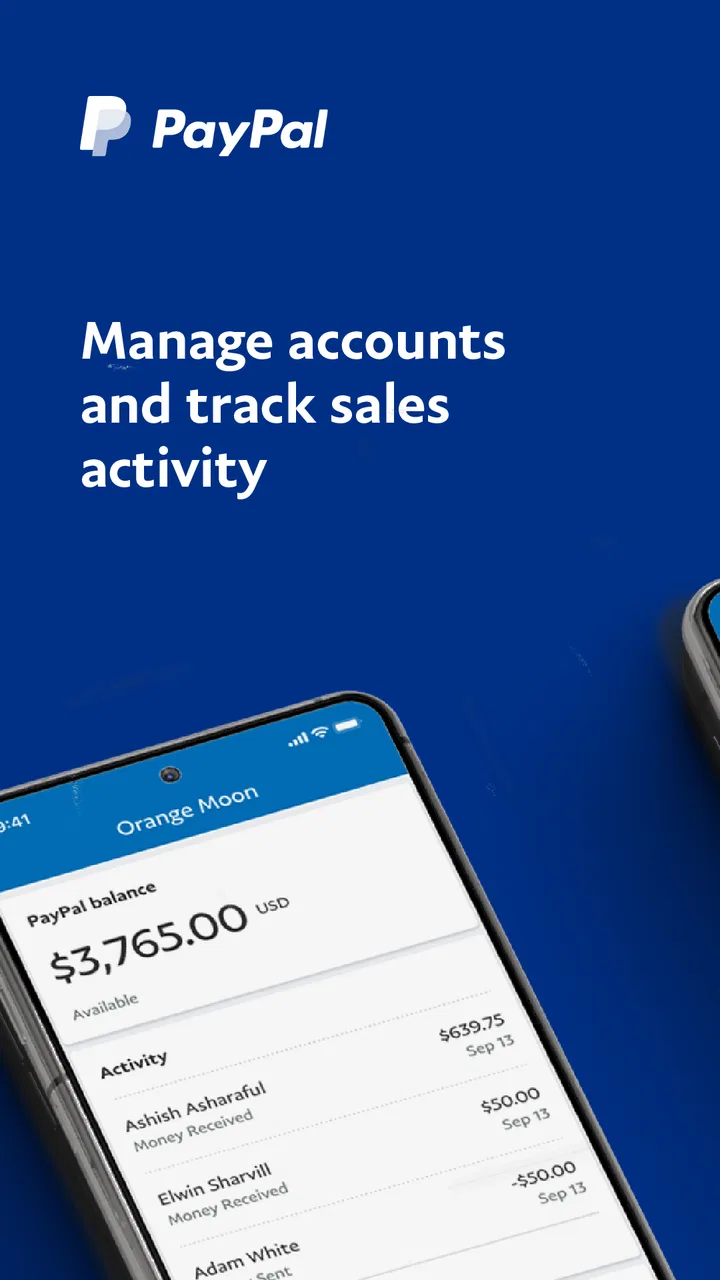
PayPal Business
- 3.8
- Rating
- 10.00M
- Installs
- Free
- Price

 Analysis by App-foxy
When I run a small business from my phone, I want to answer customers, check payments, and send an invoice without turning the process into a desk job. That is the practical promise of PayPal Business, a free business app from PayPal Mobile for Android. I see it as a mobile control panel for people who already use PayPal to collect money and need a quicker way to handle everyday payment tasks.
My overall impression is positive, but it depends heavily on the kind of business you run. The app is most useful when your work involves individual clients, remote services, occasional invoices, or customer payments that need to be monitored while you are away from a computer. It is less convincing as the only tool for a company that needs deep bookkeeping, stock control, advanced checkout customization, or a complete point-of-sale system.
The decision is therefore not simply whether the app is good. The better question is whether your business needs a convenient PayPal workspace or a full business-management platform. In my experience, that distinction makes the choice much clearer.
You May Also Like

 Blood Strike: 2.5 Anniversary
Blood Strike’s Loadouts Turn Every Drop Into a Tactical Gamble
A close look at Blood Strike’s custom loadouts: how fast access to signature weapons reshapes its battle royale rhythm, rewards preparation, and narrows the gap between fights.

 Pandora - Music & Podcasts
Pandora’s Music Is Easy to Start, but Harder to Recover
Pandora’s strength is its low-effort path from a seed to a station. Its weak spot is how much confidence it asks you to place in connection, setup, and quiet recovery.

 8 Ball Pool
8 Ball Pool Is Built on Rivalries, Rematches, and Routine
A close look at the rivalries, rematches, shared routines, and unanswered safety questions that turn a quick pool match into a persistent mobile community.

 Samsung Music
Samsung Music’s Quiet Strength Is Playing What You Already Own
Its reach comes less from spectacle than from dependable access to a personal library. That simplicity is both the app’s strongest retention engine and its ceiling.

 AccuWeather: Weather Radar
AccuWeather Review: A Quick, Clear Forecast for Everyday Decisions
For everyday plans, the best forecast is the one you can understand quickly. AccuWeather makes rain timing, radar, and local conditions easy to act on, with a few trade-offs.

 Hill Climb Racing
Why Hill Climb Racing Still Turns Crashes Into One More Run
A tiny car, a bumpy hill and one more upgrade: Hill Climb Racing keeps resurfacing because its simple chaos makes every near-miss feel personal.
More From Our News Desk
View All News


What I would check before choosing it
Before I settle on PayPal Business, I’d map one ordinary payment from the customer’s point of view: how they receive the request, recognize what it covers, and decide how to pay. That quick walkthrough can reveal whether the app fits your existing customer habits or would add an extra explanation to every invoice. I’d also decide in advance where completed payments will be recorded for longer-term bookkeeping.
Start with the way you get paid
The first thing I would consider is whether PayPal already fits the way your customers pay. If clients are comfortable receiving a PayPal invoice or paying through a PayPal request, the app removes several small delays from the collection process. I can prepare an invoice, review activity, and keep an eye on incoming money from the same mobile environment instead of waiting until I return to a laptop.
That convenience matters more for a freelancer, consultant, tutor, designer, repair professional, or small online seller than for a business with a large counter operation. A person who sends a handful of client invoices each week may value speed and portability more than a long list of accounting functions.
I would also think about how formal the business workflow needs to be. A simple service provider can often work comfortably with a payment-focused app. A growing company may need connections to accounting software, detailed expense handling, staff permissions, recurring billing tools, inventory records, and reports designed for financial planning. The mobile app should not be judged as though it were trying to replace every one of those systems.
Consider who will use the account
For a solo operator, a phone-based workflow is often enough. I can imagine finishing a job, opening the app before leaving the customer, creating the invoice, and checking later whether the payment has arrived. That is a useful rhythm because the administrative task stays close to the moment when the work happened.
For a team, the decision becomes more complicated. A business owner may want employees to handle routine payment tasks while keeping sensitive financial work restricted. Before moving a larger operation into a mobile-first process, I would test how well the account structure matches the roles in the business. If the app does not provide the level of control a team expects, a browser-based business platform or dedicated accounting service may be a better center of operations.
Look beyond the word “free”
The app itself is free, and the age rating is Everyone, which makes it approachable for a broad audience. That does not mean every business activity connected to PayPal is cost-free. Payment services can involve transaction-related charges or account conditions outside the app itself, so I would check the current terms that apply to my location and payment type before changing how customers pay.
This is an important distinction: the application can be free to install while the business service still affects the amount that reaches you. I would compare the complete cost of receiving money, not just the download price. For a low-volume freelancer, convenience may outweigh the difference. For a high-volume seller, small payment costs can become a central business decision.
Check device compatibility before planning the workflow
The current version is 2025.04.24, and the Android requirement begins with version 6.0. That makes the app accessible on many older Android devices, although real-world comfort will still depend on the phone’s condition, screen size, connection, and available storage. I would update the app and test the complete invoice-to-payment routine before promising customers a new process.
That test should include signing in, preparing a sample invoice, reviewing the activity screen, and confirming that the information is easy to read on the phone you actually carry. Business apps are not only about whether they open; they must remain usable when you are in a hurry, standing in a shop, or dealing with a customer who is waiting.
Where the mobile experience earns its place
I find the mobile workflow most valuable when a payment task is tied to a moment that is easy to forget, such as wrapping up a service visit or confirming a delivery. I’d use the phone for those immediate actions, then set aside a regular time to review records on a larger screen. That division keeps the app useful without asking it to carry the whole administrative side of the business.
Invoices are most useful when they happen at the right moment
The strongest reason to use this app is the ability to bring invoicing closer to the work itself. Instead of collecting notes during the day and reconstructing everything at night, I can treat the invoice as part of the customer interaction. That reduces the chance of forgetting a service detail or postponing a payment request for several days.
A realistic example would be a freelance photographer who finishes a small event, confirms the agreed work, and sends the invoice from the phone before moving on to the next appointment. The app does not turn that person into an accountant, but it can shorten the distance between completing the job and asking to be paid. That is a meaningful operational improvement for a one-person business.
Another useful habit is preparing invoice information immediately after a job rather than relying on memory. I would keep a simple note of the customer name, service description, and agreed amount, then use the app to create the formal request while those details are still fresh. This workflow is not flashy, but it prevents the common problem of scattered messages and delayed billing.
It works well as a mobile payment dashboard
I also like the idea of having a focused place to check business payment activity. When I am waiting for a customer to complete an invoice, a quick mobile check is more practical than opening a full financial system. This is especially helpful for independent workers who need reassurance that a payment has arrived before releasing a finished file, scheduling delivery, or closing the day’s accounts.
The app’s value is therefore partly about awareness. It keeps payment-related work visible while I am away from the office. That does not replace proper reconciliation, but it can help me make timely decisions and avoid repeatedly asking customers whether they have paid.
The app suits irregular business hours
Many small businesses do not operate at a desk. A mobile app makes more sense for a home-service professional, market seller, traveling consultant, or creator who spends much of the day outside. In those cases, the phone is already the main business device, so adding a payment workflow there feels natural rather than forced.
I would not underestimate this benefit. Administrative friction often comes from switching contexts: remembering a task in the field, writing it down, opening a computer later, and finally sending the request. A mobile-first option can remove some of those steps. The best result comes when I use it for short, repeatable actions rather than trying to run every part of the business through a small screen.
Its reputation gives it a practical advantage
PayPal Mobile is the developer, and the app has passed the ten-million-install mark with an average rating of 3.9 from around one hundred eight thousand ratings and about nine thousand seven hundred written reviews. Those figures do not prove that every user will enjoy the experience, but they do show that this is an established business app rather than an obscure experiment.
For a business owner, familiarity can influence customer confidence. Some clients may recognize PayPal immediately, which can make a payment request feel less unfamiliar than a request from a new provider. That advantage is strongest when the customer already uses PayPal; it is weaker when clients prefer cards, bank transfers, or another payment service.
Small workflow choices can make it more dependable
I would create a consistent invoice routine instead of treating each request as a separate improvisation. Use the same naming pattern for services, review the customer details before sending, and check the activity after the expected payment window. A repeatable process makes a lightweight app feel much more capable.
I would also avoid using the payment activity screen as my only financial record. At the end of a work period, I would transfer the relevant information into the bookkeeping system or spreadsheet used for taxes and business planning. The app is excellent for immediate payment handling, but long-term financial organization deserves a separate habit.
The main friction is the narrow focus
The same simplicity that makes the app approachable can become a limitation. If I need detailed financial analysis, product-level stock management, complex customer records, or a broad view of expenses and profit, I would quickly want another tool. Sending invoices and monitoring payments are important tasks, but they are only part of running a business.
There is also a practical risk in depending too heavily on a phone. A small display is fine for one invoice, but reviewing a long period of activity or correcting many entries can become tiring. I would use the app for quick actions and reserve more involved administration for a larger screen whenever possible.
When another category fits better
A dedicated accounting platform is the better choice when the central problem is financial reporting rather than payment collection. If I need organized records for income, expenses, taxes, and reconciliation, I would compare accounting-focused tools first and treat PayPal as one payment source among several.
A point-of-sale system makes more sense for a shop, café, or service counter where checkout speed, receipts, staff activity, and in-person transactions are the priority. An online commerce platform may be preferable for a store that needs product catalogs, shipping workflows, customer accounts, and a branded checkout experience.
For a business that accepts many payment methods, I would compare providers based on customer reach, settlement arrangements, transaction costs, and reporting. PayPal Business can be a strong part of that mix, but it should not automatically become the only channel just because the app is convenient.
Think about the cost of changing your process
Switching payment tools is not just a matter of installing another app. I would need to update invoice habits, tell customers where to pay, revise saved templates, train anyone who helps with administration, and decide how older transactions will be referenced. Even a small business can lose time when a payment process changes without a clear transition plan.
That is why I would test PayPal Business alongside my existing method rather than moving everything immediately. I would send a small number of real invoices, observe how customers respond, and compare the time spent on follow-up and record keeping. If the app reduces delays without creating new reconciliation work, the change may be worthwhile. If it makes the business dependent on several disconnected records, the apparent simplicity may be misleading.
I would also explain the process clearly to customers. A short, consistent invoice message is better than sending a payment request with no context. Customers should understand what they are paying for, which helps reduce questions and makes the transaction feel more professional regardless of the platform.
Who should use it
I would recommend it first to freelancers, independent contractors, and small service businesses that already rely on PayPal or want a straightforward way to send invoices from a phone. It is particularly suitable for people who travel, work from different locations, or do not want every payment task tied to a desktop computer.
It can also suit a small business owner who wants a quick daily view of payment activity without opening a large accounting package. The combination of free installation, broad age eligibility, and support for Android devices starting with version 6.0 lowers the barrier to trying it.
Who should skip it
I would look elsewhere if I needed a complete financial command center, a sophisticated retail checkout, extensive inventory management, or a system built around multiple payment networks. I would also hesitate if my customers strongly prefer another payment method and would face friction when asked to use PayPal.
Businesses with several employees should test the workflow carefully before adopting it as a shared operating system. The owner may find the app convenient while the team needs stronger organization, permissions, or reporting. In that situation, a broader business platform may justify its extra complexity.
My recommendation after weighing the trade-offs
My recommendation is to view PayPal Business as a focused mobile companion for invoicing and payment management, not as a replacement for every business application. It does its best work when the goal is immediate: send a client an invoice, check whether money has arrived, and keep payment tasks moving while I am away from a desk.
The app is free, developed by PayPal Mobile, and widely used enough to be a credible option for a small operation. Its 3.9 average shows a generally useful product with room for improvement rather than a flawless experience. I would install it when PayPal matches my customers and my business needs are centered on simple, mobile payment activity.
Before making it the foundation of the business, I would run a short trial using real invoices, compare the complete costs, and confirm that my bookkeeping routine still works. If that test is smooth, this app can remove a surprising amount of everyday friction. If the business is already outgrowing basic invoicing, I would choose a dedicated accounting, commerce, or point-of-sale solution and use PayPal only where it adds value.
My final view: choose it for convenient PayPal-based business payments on the move; skip it as your main platform when your operation needs deep financial control or a complete sales system.
FAQs for PayPal Business
01What features does the PayPal Business app offer?
The PayPal Business app provides features such as invoice creation, payment tracking, and easy access to transaction history. Users can manage sales, send payment reminders, and view account balances all from their mobile device. It also supports integration with various e-commerce platforms, making it a versatile tool for business owners.
02Is the PayPal Business app secure for transactions?
Yes, the PayPal Business app prioritizes security by using advanced encryption technologies to protect user data and transactions. Two-factor authentication is available to add an extra layer of security. PayPal is known for its robust fraud prevention measures, ensuring that user accounts and financial information remain secure.
03Can I use the PayPal Business app internationally?
Absolutely. The PayPal Business app supports transactions in multiple currencies and is available in over 200 countries. This makes it a convenient option for businesses with international clients. However, users should be aware of any applicable currency conversion fees and regulations in different regions.
04How does the PayPal Business app integrate with other platforms?
The app seamlessly integrates with popular e-commerce platforms like Shopify, WooCommerce, and BigCommerce, among others. This integration allows for streamlined payment processing directly from your online store. You can also connect the app to your accounting software to simplify financial management and reporting.
05Are there any fees associated with using the PayPal Business app?
While downloading the app is free, PayPal charges transaction fees for receiving payments. These fees can vary based on the payment method and the country. For instance, domestic transactions may incur lower fees compared to international ones. It's advisable to review PayPal's fee structure to understand the costs involved.
Pros
- Easy integration with e-commerce platforms.
- Supports multiple currencies globally.
- User-friendly interface for quick navigation.
- Strong security features for transactions.
- Detailed transaction records and reports.
Cons
- Transaction fees can be relatively high.
- Customer support response can be slow.
- Limited offline functionality.
- Not all countries are supported.
- Account holds can be unpredictable.

PayPal Business
Gallery